
This document is the safety and troubleshooting manual for Philips LCD Monitors. It introduces the safety issues that need to be noted when using Philips LCD Monitors, as well as the repair measures to take when the monitors are faulty.
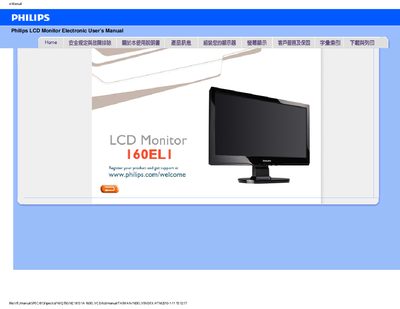
This manual covers safety precautions, proper handling, and environmental requirements for the Philips 160ELI LCD monitor. It explains how to connect power, avoid direct sunlight, keep ventilation clear, and protect the screen from impact and moisture.
The document also includes a FAQ section with common issues such as video mode errors, resolution adjustment, refresh‑rate information, and cleaning instructions, plus a download guide for the driver installation package. This manual is written in Chinese.
| Recommended resolution | 1366 x 768 @ 60 Hz |
|---|
Set the display resolution to 1366 × 768 at 60 Hz, then reconnect the monitor and power cycle it.
Open Windows Display Properties and select the desired resolution from the list.
Use a soft, lint‑free cloth; avoid alcohol or other solvents.