
This document is the electronic user manual for Philips LCD monitors. It includes safety precautions, troubleshooting, regulations, and other related information. The manual provides guidance on operating, maintaining, and caring for the monitor, including avoiding direct sunlight and heat sources, not covering ventilation openings, properly connecting the power plug, cleaning the monitor properly, and avoiding exposure to dust, water, and humid environments. The manual also provides the temperature and humidity range for using the monitor and service information. If the monitor cannot be operated properly or unsure about the procedures mentioned in the manual, it is recommended to consult service technicians.
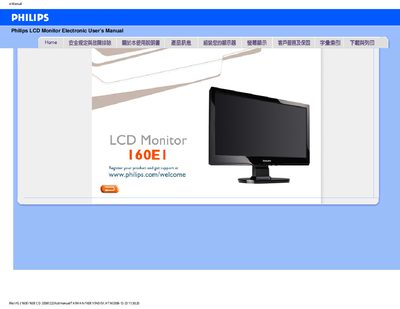
This manual covers safety precautions for handling the Philips 160E1 LCD monitor, including proper ventilation, power‑on procedures, cleaning recommendations and environmental limits. It also explains how to register the product and where to obtain service support.
The document includes a troubleshooting section with common problems such as video mode errors, resolution adjustments, refresh‑rate explanations, and how to reset the monitor. Frequently asked questions address display settings, driver installation, and mounting options, followed by step‑by‑step installation guidance and download instructions for the driver package.
| Native resolution | 1366 x 768 |
|---|---|
| Operating temperature range | 0 °C to 40 °C (storage) / 20 °C to 80 °C (operating) |
Use a soft, lint‑free cloth; avoid solvents such as alcohol or strong cleaning liquids.