
This manual provides information on the maintenance and safety precautions of the Philips LCD Monitor, FAQs, troubleshooting, legal information and other related information.
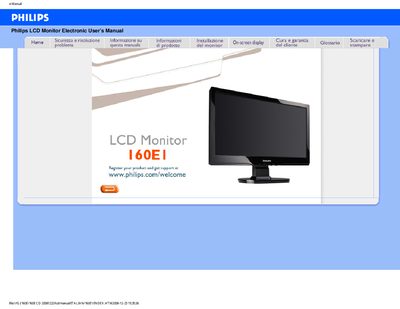
This manual covers safety precautions, proper handling, and maintenance of the Philips 160E LCD monitor. It explains how to avoid electrical and mechanical hazards, how to clean the screen, and how to store the unit safely.
The document also includes detailed installation instructions, driver download procedures, and a comprehensive FAQ section that addresses common issues such as video mode errors, refresh‑rate questions, and screen‑adjustment settings. This manual is written in Italian.
| Operating Temperature | 0 °C – 40 °C (32 °F – 104 °F) |
|---|---|
| Relative Humidity | 20 % – 80 % RH |
| Native Resolution | 1366 × 768 @ 60 Hz |
| Panel Technology | TFT LCD |
Set the video mode to 1366 × 768 @ 60 Hz, disconnect and reconnect the cables, adjust the Windows display settings, and restart the PC.
For LCD monitors the refresh rate is less critical than for CRTs; the display shows a stable image at 60 Hz without noticeable flicker.