
Key facts
- Brand
- Panasonic
- Model
- SV-SD90
- Category
- MP3 Player
- Industry
- Electronics
- Documents
- 2
- Languages
- EN
- Last added
- 2012-08-10
Start here
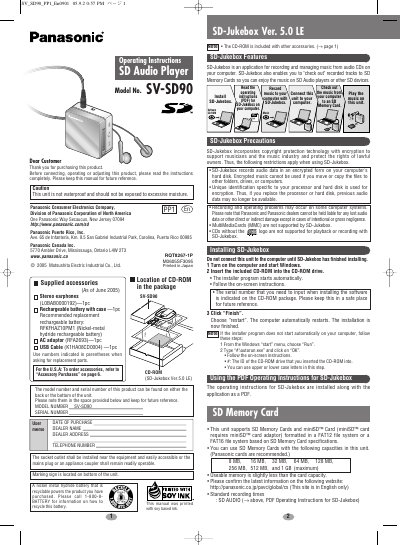
Panasonic SV-SD90 SD Audio Player User Manual
User Manual 6 pages · 671 KB · EN
This manual provides instructions for the Panasonic SV-SD90 SD Audio Player, covering setup, operation, and maintenance. It details the installation of the included SD-Jukebox software for managing music on a computer and transferring tracks to SD Memory Cards. The guide also explains how to insert and remove memory cards and rechargeable batteries safely.
Read onlinePanasonic SV-SD90 specifications
| File System Support | FAT12 or FAT16 |
|---|---|
| Compatible PC Operating Systems | Windows 2000 (Professional Service Pack 2, 3, 4) or Windows XP (Home Edition/Professional, or Service Pack 1, 2) |
| Minimum CPU Requirement | Intel Pentium III 500 MHz or higher |
| Minimum RAM Requirement | 256 MB or more |
| Minimum Free Hard Disk Space | 100 MB or more |
All Panasonic SV-SD90 documents by type
User Manual 2
Day-to-day operation, settings and troubleshooting. Start here if the product is already set up.
Questions answered in these manuals
What file systems are supported for SD Memory Cards?
The unit supports SD Memory Cards formatted in a FAT12 file system or a FAT16 file system.
Can I use MultiMediaCards (MMC) with this player?
No, MultiMediaCards (MMC) are not supported by SD-Jukebox.