
This manual is the user manual for the Panasonic SV-SD90 SD audio player, which introduces the functions and usage methods of the product
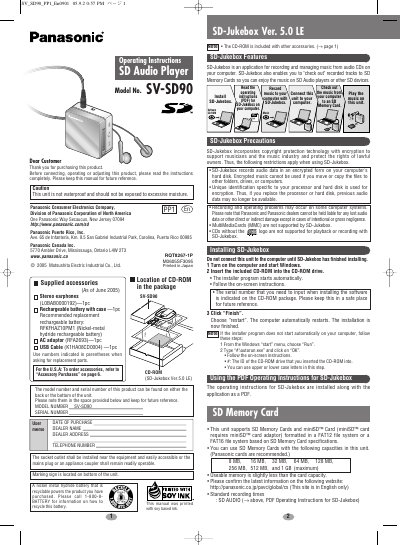
This manual provides instructions for the Panasonic SV-SD90 SD Audio Player, covering setup, operation, and maintenance. It details the installation of the included SD-Jukebox software for managing music on a computer and transferring tracks to SD Memory Cards. The guide also explains how to insert and remove memory cards and rechargeable batteries safely.
| File System Support | FAT12 or FAT16 |
|---|---|
| Compatible PC Operating Systems | Windows 2000 (Professional Service Pack 2, 3, 4) or Windows XP (Home Edition/Professional, or Service Pack 1, 2) |
| Minimum CPU Requirement | Intel Pentium III 500 MHz or higher |
| Minimum RAM Requirement | 256 MB or more |
| Minimum Free Hard Disk Space | 100 MB or more |
The unit supports SD Memory Cards formatted in a FAT12 file system or a FAT16 file system.
No, MultiMediaCards (MMC) are not supported by SD-Jukebox.
The software requires a PC with Windows 2000 or XP, an Intel Pentium III 500 MHz or higher CPU, 256 MB RAM, and a CD-ROM drive.