
Key facts
- Brand
- Panasonic
- Model
- DMC-FZ150
- Category
- Digital cameras
- Industry
- Electronics
- Documents
- 2
- Languages
- EN
- Last added
- 2012-08-09
Start here
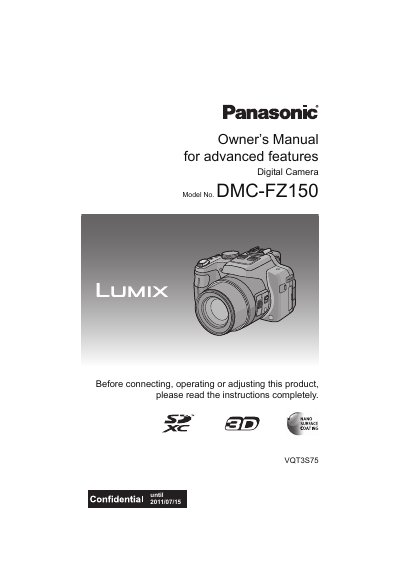
Panasonic DM-CFZ150 Digital Camera Owner's Manual
This document is the Owner's Manual for the Panasonic DM-CFZ150 digital camera. It details the camera's standard accessories, component functions, and preparation steps such as attaching the lens cap and charging the battery. The guide explains how to set the date and time and select recording modes.
The manual covers basic operations including taking pictures in various modes like Program AE, Intelligent Auto, and Creative Control. It provides instructions for using the zoom, flash, and focus features, as well as taking motion pictures. The guide also explains how to play back, edit, and delete pictures, and how to transfer images to a PC or TV.
Panasonic DMC-FZ150 specifications
| Battery type | Lithium ion battery pack |
|---|---|
| Charger input voltage | 110 V – 240 V AC |
| US/Canada charger voltage | 120 V AC |
All Panasonic DMC-FZ150 documents by type
Day-to-day operation, settings and troubleshooting. Start here if the product is already set up.
Questions answered in these manuals
What happens if condensation forms on the lens or viewfinder?
Turn the camera off and leave it for about 2 hours until the temperature inside matches the ambient temperature.
How long should you wait if condensation appears on the lens?
Leave the camera off for approximately two hours to allow the fog to disappear naturally.
What safety precautions should I follow when using the DMC-FZ150?
Do not expose the camera to rain, moisture, dripping or splashing, use only recommended accessories, and keep the unit away from liquids and electromagnetic equipment.
How do I charge the camera’s battery safely?
Use the supplied Panasonic charger, connect it to an AC outlet (110 V‑240 V worldwide, 120 V in the U.S./Canada), and avoid using non‑genuine cables.