
Panasonic DMC-FX150 Digital Camera Operating Instructions

This document is the operating instructions for the Panasonic digital camera model DMC-FX150, describing the features and characteristics of the product.
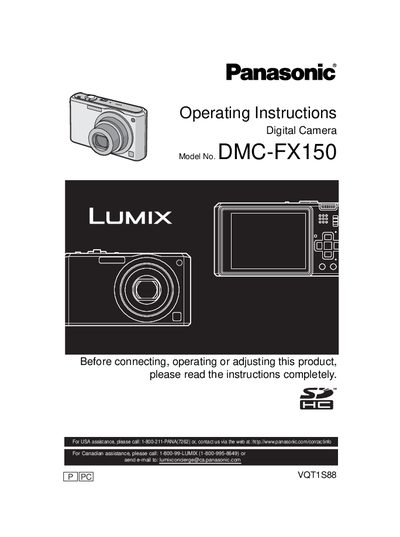

Panasonic DMC-FX150 Digital Camera Operating Instructions - cover page
Brand
Panasonic
Category
Digital cameras
Document type
User Manual
Language
English
Pages
136
File format
PDF
File size
17.5 MB
Published
09 August, 2012
Updated
28 September, 2023
MD5 checksum
07E6EF6001C8804F9C94FF65EBF63D46

About this manual

This manual provides comprehensive operating instructions for the Panasonic DMC-FX150 digital camera. It covers essential safety precautions, battery handling, and initial setup procedures such as inserting memory cards and setting the date and time. The guide explains how to use various shooting modes including Intelligent Auto, Program AE, and specific Scene Modes like Portrait, Sports, and Night Scenery.

What's inside

  • Information for Your Safety
  • Standard Accessories
  • Names of the Components
  • Charging the Battery
  • Setting the Menu
  • Selecting the REC Mode
  • Basic Taking Pictures
  • Taking Pictures with the Zoom
  • Playing back Pictures
  • Deleting Pictures

Specifications

Product TypeDigital Camera
Battery TypeLithium ion battery

Frequently asked questions

Where is the serial number located?

The serial number is on the tag located on the underside of your Camera.

What should be done if condensation occurs in the lens?

Turn the camera off and leave it for about 2 hours until the temperature matches the ambient temperature.

What voltage is required for the battery charger in the U.S.A.?

The battery charger must be connected to a 120 V AC power supply only.

Download PDF (17.5 MB)

More Panasonic Manuals


View all Panasonic manuals →