
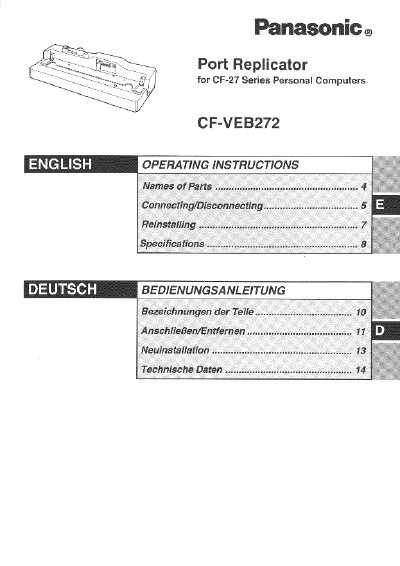
This manual provides operating instructions for the Panasonic CF-VEB272 port replicator designed for use with CF-27 Series Personal Computers. It details how to connect peripheral devices via the replicator's various ports, including USB, serial, parallel, and display connections.
The document outlines specific procedures for safely connecting and disconnecting the unit from the computer, emphasizing that the device must be powered off during these operations. It also includes steps for reinstalling the operating system after reinstallation of the computer hardware.
| Power Supply Input | DC 13.6 V |
|---|---|
| Expansion Bus Connector | 80-pin female |
| Parallel Port | Dsub 25-pin female |
| Display port | Mini Dsub 15-pin female |
| Serial Port A | Dsub 9-pin male |
| Microphone Jack Impedance | 600 ohms |
| Headphone Output Power | 4 mW x 2 |
| Physical Dimensions | 334mm x 127 mm x 86 mm |
| Weight | Approx. 1.9 kg |
No, although you can swap connections between the keyboard and mouse ports, two of either device cannot be connected simultaneously.
First refer to the troubleshooting section of the computer's operating instructions. If the problem persists, power off the computer and check if it operates normally without the replicator.