
This is an operating manual that introduces the features and usage methods of the product
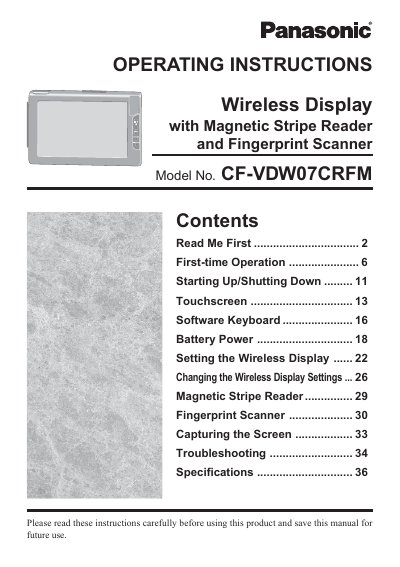
This manual provides operating instructions for the Panasonic CF-VDW07CRFM Wireless Display. The device features a touchscreen interface that allows computer operation by simply touching the surface of the display. It includes integrated security features such as a Magnetic Stripe Reader and a Fingerprint Scanner, along with a Capture Button for screen capture functionality.
The document covers first-time setup, including battery charging precautions and initial power-on procedures. It details how to start up and shut down the unit, navigate the touchscreen interface, use the software keyboard, manage battery power settings, configure wireless display options, and operate the security readers.
| Product Type | Wireless Display with Magnetic Stripe Reader and Fingerprint Scanner |
|---|---|
| Model Number | CF-VDW07CRFM |
Recharging will not commence outside of the allowable temperature range of 0 °C to 45 °C (32°F to 113°F).
You should not short the positive and negative contacts as it may cause damage or overheating.