
Panasonic CF-18/CF-29/CF-73 Series EDGE Modem Supplementary Instructions

This manual contains supplementary instructions regarding the use of the computer.
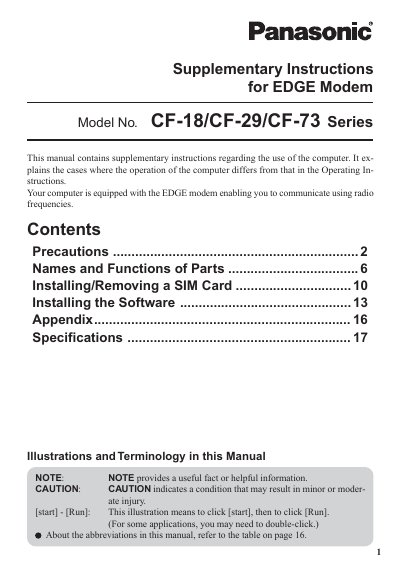

Panasonic CF-18/CF-29/CF-73 Series EDGE Modem Supplementary Instructions - cover page
Brand
Panasonic
Category
Laptops
Document type
User Manual
Language
English
Pages
20
File format
PDF
File size
1 MB
Published
08 August, 2012
Updated
01 October, 2023
Model
CF-18
MD5 checksum
A3BF291F22BC7C619C0A2C4B72E9B8D5

About this manual

This manual provides supplementary instructions for the Panasonic CF-18, CF-29, and CF-73 series handheld computers equipped with an EDGE modem. It details specific operational differences from the standard Operating Instructions, focusing on safety precautions, hardware functions, and software installation procedures.

What's inside

  • Precautions
  • Names and Functions of Parts
  • Installing/Removing a SIM Card
  • Installing the Software
  • Specifications
  • Illustrations and Terminology

Frequently asked questions

What safety precaution is required when using the computer near medical devices like pacemakers?

Pacemaker patients are advised to keep the computer away from the pacemaker while it is on.

What is the minimum required spacing between the antenna and a person's body during wireless operation?

A minimum of 20 cm spacing must be provided between the antenna and all of a person's body.

What action must be taken before boarding an aircraft with the computer?

You must switch off the computer and ensure it cannot be switched on inadvertently.

Download PDF (1 MB)

More Panasonic Manuals


View all Panasonic manuals →