
Key facts
- Brand
- Panasonic
- Model
- BT-LH1700W
- Category
- Monitoring Equipment
- Industry
- Electronics
- Documents
- 4
- Languages
- EN · ZH
- Last added
- 2012-08-02
Start here
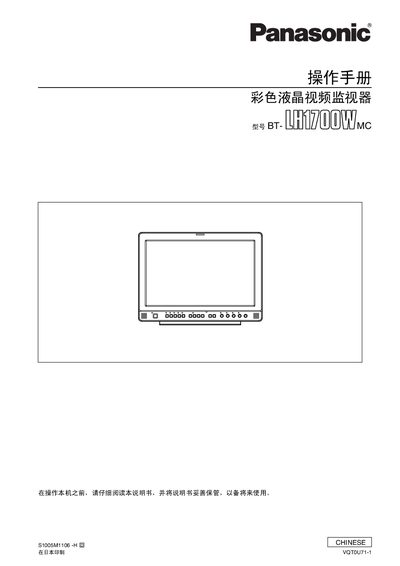
Panasonic BT-LH1700W Video Monitor User Manual
This manual covers safety precautions, proper grounding, and installation requirements for the Panasonic BT-LH1700W liquid‑crystal video monitor. It explains how to connect power, select input sources, and use the on‑screen menu and remote control.
The document also describes the monitor’s technical features such as a 17.1‑inch widescreen LCD panel, multiple video inputs (SDI, VIDEO, Y/C, YPbPrRGB), built‑in audio, and operating temperature limits. Maintenance and troubleshooting guidance are provided for reliable broadcast or business use. This manual is written in Chinese.
Panasonic BT-LH1700W specifications
| Screen Size | 17.1-inch |
|---|---|
| Input Jacks | SDI, VIDEO, Y/C, YPbPr/RGB |
| TV Systems | NTSC and PAL |
| Voltage Range | 100 - 240 V AC |
Source: Panasonic BT-LH1700W LCD Video Monitor Operating Instructions
All Panasonic BT-LH1700W documents by type
Day-to-day operation, settings and troubleshooting. Start here if the product is already set up.
Questions answered in these manuals
What are the standard accessories included?
The standard accessories include one power cord and one power cord hook.
From: Panasonic BT-LH1700W LCD Video Monitor Operating Instructions
Can the monitor be used with an embedded audio unit?
Yes, an embedded audio unit (BT-YAE1700G) can be attached to the monitor.
From: Panasonic BT-LH1700W LCD Video Monitor Operating Instructions
What are the dimensions of the BT‑LH2600W monitor?
The BT‑LH2600W measures 663 mm wide, 456.1 mm high, and 270 mm deep when installed with its rack.
What power sources can be used with the monitor?
It can be powered from the standard AC input or from an external DC supply of 11 V to 17 V.
What is the recommended operating temperature for the monitor?
Keep the rack temperature between 5 °C and 35 °C.