
Key facts
- Brand
- Panasonic
- Model
- SA-XR70
- Category
- Audio-Video Decoder
- Documents
- 2
- Languages
- EN
- Last added
- 2012-07-03
Start here
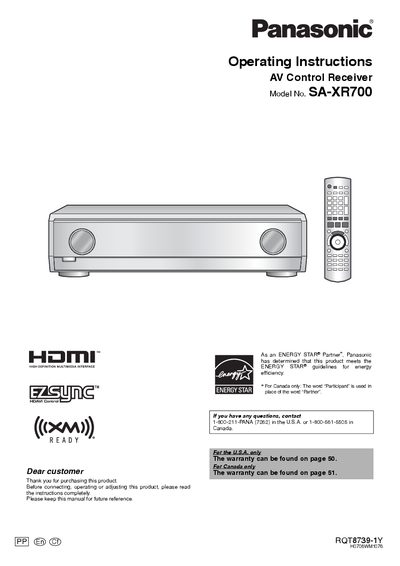
Panasonic SA-XR700 AV Control Receiver Operating Instructions
This manual provides operating instructions for the Panasonic SA-XR700 AV Control Receiver, a high-definition multimedia interface device. It guides users through initial setup, including connecting a TV and DVD recorder using HDMI cables and setting up speakers. The document details how to enjoy surround sound with DVDs or TV broadcasts and explains one-touch operations when connected to compatible VIERA TVs and DIGA recorders via Ez Sync HDAVI Control.
Read onlineAll Panasonic SA-XR70 documents by type
Day-to-day operation, settings and troubleshooting. Start here if the product is already set up.
Questions answered in these manuals
What is included in the supplied accessories?
The supplied accessories include an AC power supply cord, a setup microphone, an FM indoor antenna, an AM loop antenna, batteries, and a remote control.
From: Panasonic SA-XR700 AV Control Receiver Operating Instructions
How can I enjoy surround sound with just one press?
You can enjoy surround sound with just one press when you connect the unit to a compatible TV and DVD recorder using Ez Sync HDAVI Control.
From: Panasonic SA-XR700 AV Control Receiver Operating Instructions
What is the maximum range for the remote control?
The remote control works at a maximum range of 7 meters (23 feet) directly in front of the unit.
From: Panasonic SA-XR70 Red AV Control Receiver Operating Instructions
What type of batteries are required for the remote control?
The remote control requires R6/LR6, AA, or UM-3 batteries, and rechargeable types should not be used.
From: Panasonic SA-XR70 Red AV Control Receiver Operating Instructions