
This is an instruction manual for a pedometer that can record the user's steps, distance, calories burned, and exercise time.
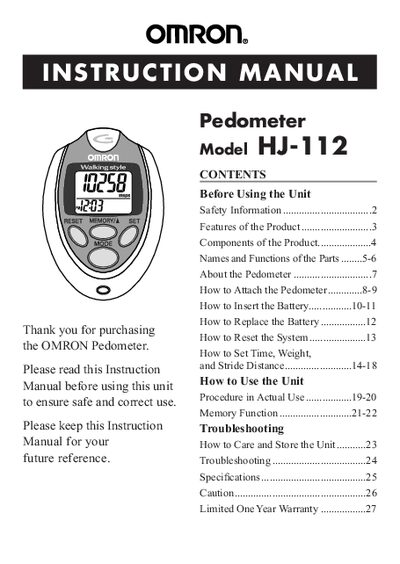
This manual covers safety information, product features, and detailed instructions for attaching, inserting the battery, setting time, weight, and stride distance, and using the pedometer in daily activities. It also includes memory functions, step‑counting precision, and guidance for jogging and other motions.
Additional sections describe the specifications, troubleshooting tips, warranty information, and regulatory compliance. The document is organized with a table of contents and clear step‑by‑step procedures for end users.
| Power Supply | 3 VDC (1 lithium battery CR2032) |
|---|---|
| Step Measurement Range | 0 to 99,999 steps |
| Memory Retention | Data stored for up to seven days |
| Operating Temperature | 14 °F to 104 °F (‑10 °C to +40 °C) |
| Battery Life | Approximately 6 months (10,000 steps/day) |
| Dimensions | ≈ 2 7/8" × 2 1/8" × 5/8" |
Press the RESET button for more than 1.5 seconds to reset today’s data, or use the SYSTEM RESET button to delete all stored memory data.
The device can count from 0 up to 99,999 steps.