
This is a pedometer that can measure steps, distance, calories, etc., which can help users manage daily walking.
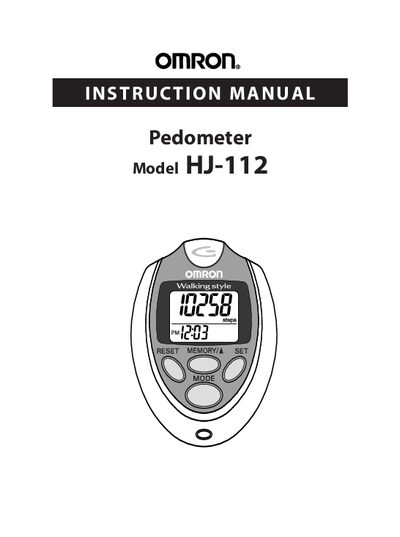
The manual introduces the Omron HJ-112 pedometer, lists its components (pedometer, screwdriver, strap clip, CR2032 battery) and provides safety guidelines for handling the device and battery.
It explains how to operate the unit—setting time, weight, stride length, using the aerobic step and calorie displays, memory functions, and system reset—plus instructions for battery installation, maintenance, troubleshooting, and warranty information.
| Battery type | CR2032 |
|---|---|
| Display information | steps, aerobic steps, calories, distance |
| Memory capacity | 7 days of data |
Remove the screw on the battery cover, open the cover, insert a CR2032 battery with the positive side up, and close the cover.
You must walk faster than 60 steps per minute for at least 10 continuous minutes.
Walk 10 normal steps, measure the total distance, then divide that distance by 10 to obtain your stride length.