
Key facts
Start here
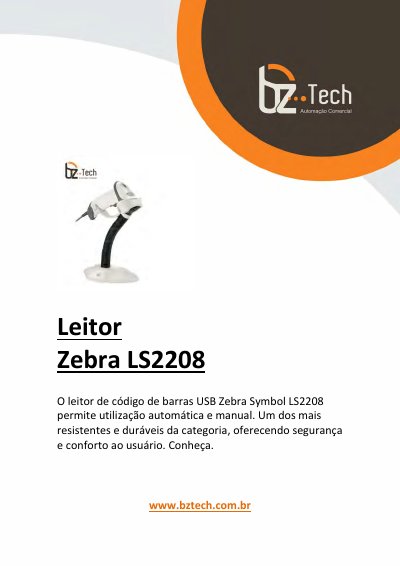
Motorola Symbol LS2208 Barcode Scanner Quick Start Guide
Motorola's Symbol LS2208 quick start guide in Portuguese explains how to attach the interface cable to the scanner, connect it to a host, and configure the host interface by scanning the supplied barcode labels. It lists interface choices such as RS-232, USB keyboard, IBM 46XX, and OPOS/JPOS, and notes that keyboard and USB interfaces are ready to use without barcode configuration.
The guide also gives barcode sequences for adding an Enter or Tab suffix, reading options, LED and beep indications, troubleshooting checks, laser and regulatory notices, ergonomic recommendations, power supply requirements, warranty and support links, and information on the 123Scan2 software tool. This manual is written in Portuguese.
Motorola LS2208 specifications
| Scanning modes | Automatic and manual use |
|---|---|
| Interface options | USB keyboard, RS-232, IBM 46XX |
| Approved power supply | Type no. 50-14000 (5 VCC/200 A min.) or PWRS-14000 (5 VCC/200 A), Class 2 or LPS |
Source: Motorola Symbol LS2208 Barcode Scanner Quick Start Guide
All Motorola LS2208 documents by type
The shortest path to a working setup, usually only a few pages.
Day-to-day operation, settings and troubleshooting. Start here if the product is already set up.
Questions answered in these manuals
Do USB keyboard and USB interfaces need barcode configuration?
No. The guide says keyboard and USB interfaces are ready for use and do not need barcode reading configuration.
From: Motorola Symbol LS2208 Barcode Scanner Quick Start Guide
How do I add an Enter key after scanning data?
Scan all three barcodes below in numeric order.
From: Motorola Symbol LS2208 Barcode Scanner Quick Start Guide
What is the model number of the scanner?
The scanner model is LS2208.
Where can I find the warranty information for this product?
Warranty information is available at http://www.symbol.com/warranty.