
Key facts
- Brand
- Motorola
- Model
- 3512
- Industry
- Electronics
- Documents
- 2
- Languages
- EN
- Last added
- 2026-10-31
Start here
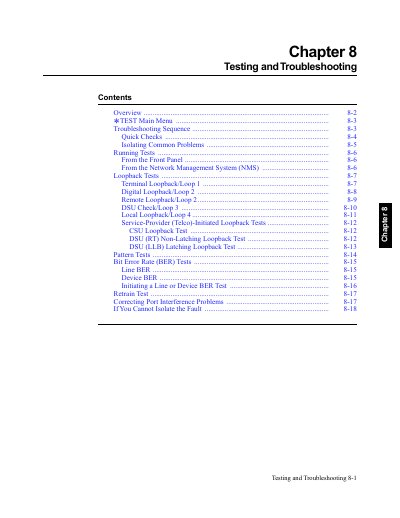
Motorola 3512 DSU/CSU Testing and Troubleshooting
This manual provides step-by-step procedures for testing and troubleshooting the Motorola 3512 DSU/CSU. It covers quick checks, loopback tests (including terminal, digital, and remote loopbacks), bit error rate tests, and troubleshooting sequences to isolate and resolve operational issues. Tests can be run from the front panel or via a Network Management System (NMS).
Read onlineMotorola 3512 specifications
| Port 1 Connector Type | DB25 |
|---|---|
| Ports 2-4 Connector Type | DB26 |
| U.S. FCC Registration Number | AT9USA-61595-DD-N |
| U.S. Ringer Equivalence Number (REN) | 0.2B |
| Canada Load Number for SLR | 4 |
All Motorola 3512 documents by type
Day-to-day operation, settings and troubleshooting. Start here if the product is already set up.
Questions answered in these manuals
How do I run a loopback test from the front panel?
From the * TEST menu, press to select LOOPBACKS, then choose the desired loopback test (e.g., Terminal Loopback/Loop 1, Digital Loopback/Loop 2).
What is the purpose of the Motorola 3512 DSU/CSU Testing and Troubleshooting chapter?
This chapter helps you troubleshoot problems in your 3512 DSU/CSU or data communications network.
What type of cable is required for EIA 232-C/D computer interface connections?
EIA 232-C/D computer interface cables connected to a 3512 DSU/CSU must be braided, shielded cables with metal, shielded hoods.
What is the maximum recommended sum of Ringer Equivalence Numbers (RENs) on a telephone line?
The total REN should generally not exceed five.