
Key facts
Start here
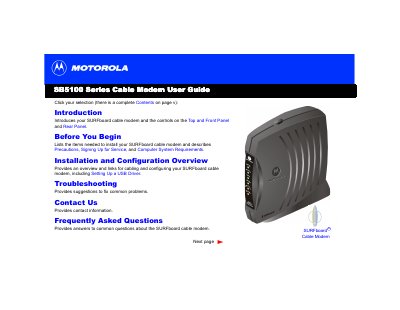
Motorola SB5100 Series Cable Modem User Guide
Congratulations on your new Motorola SURFboard cable modem. This device offers high-speed Internet access that is always online, significantly faster than traditional dial-up or ISDN modems. It supports connecting one to 32 computers in a home or business network via USB or Ethernet ports.
The guide covers essential topics including panel descriptions, safety precautions, system requirements for various Windows operating systems (95/98/Me/2000/XP), and detailed steps for cabling, driver installation, TCP/IP configuration, and IP address verification. It also includes troubleshooting tips for common front-panel light errors.
Motorola SB5100 Series specifications
| Ethernet port | RJ‑45 connector for Ethernet networking |
|---|---|
| USB port | Standard USB interface for computer connection |
| Power input | +12 V DC power connector |
| Coaxial cable requirement | 75 Ω coaxial cable with F‑type connector |
| Maximum supported computers | Up to 63 computers via Ethernet hub |
All Motorola SB5100 Series documents by type
Day-to-day operation, settings and troubleshooting. Start here if the product is already set up.
Questions answered in these manuals
What happens when the Standby light is on?
The Internet service is blocked because the Standby button was pressed, and no data is transmitted or received.
What is the maximum number of computers that can connect to a single cable modem?
You can connect up to 32 computers to a single SURFboard cable modem using an Ethernet hub.
How do I install the USB driver on Windows XP?
Use the section "在 Windows XP 中安裝 USB 驅動程式" to run the provided driver installer from the modem’s CD.
Which cable is needed to connect the modem to the cable outlet?
A 75 Ω coaxial cable with an F‑type connector is required for the connection.