
This document is the product reference guide for Symbol LS2208, describing the features and characteristics of the product.
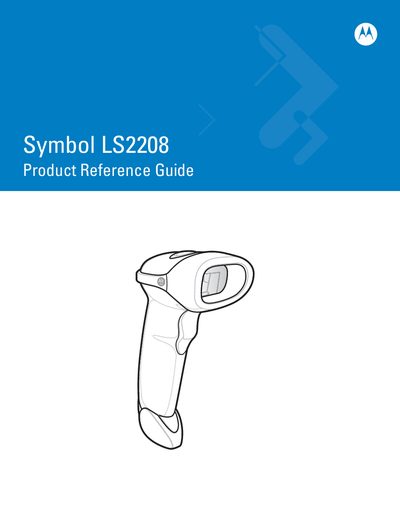
This guide covers everything needed to get started with the Symbol LS2208 barcode scanner, including unpacking, connecting power and interface cables, and configuring scanner settings. It also details the various scanning modes, such as hand‑held and hands‑free operation, and explains how to use the keyboard wedge and RS‑232 interfaces.
Additional sections describe maintenance procedures, technical specifications, and user preferences such as beep tones, laser on time, and timeout settings. Revision history and warranty information are also provided.
The scanner model is LS2208.
Warranty information is available at http://www.symbol.com/warranty.
The guide was revised in May 2008 (Revision A).