
Key facts
Start here
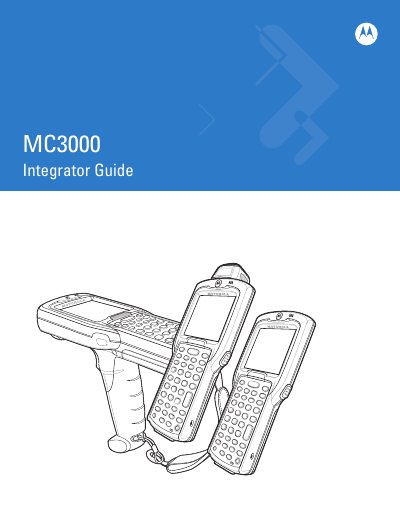
Motorola-symbol MC3090 seriesManual
This guide explains how to integrate and operate the Motorola MC3000 mobile computer. It covers unpacking, battery installation, system startup, and basic configuration steps.
The manual also details accessories such as cradles, battery chargers, cables, and SD cards, and includes information on software versions, wireless setup, and service procedures.
Motorola MC3000 specifications
| RAM | 128 MB |
|---|---|
| Flash Memory | 64 MB |
| Keypad | 20‑key mechanical |
| Cradle | Four Slot Ethernet cradle |
All Motorola MC3000 documents by type
Day-to-day operation, settings and troubleshooting. Start here if the product is already set up.
Questions answered in these manuals
When was this manual last revised?
The manual was revised in October 2008 (Revision A).
Which operating systems are mentioned in the guide?
Windows CE 5.0, Windows Mobile 6.1, and Windows CE NET 5.0 are referenced.
How do I turn the device on and off?
Press the power button to turn the device on; press the same button again to turn it off.
From: Motorola MC3000 Series Handheld Mobile Terminal User Manual
How do I insert an SD card?
Open the battery cover, locate the SD‑card slot, insert the card following the arrow direction, close the slot and re‑install the battery.
From: Motorola MC3000 Series Handheld Mobile Terminal User Manual