
Key facts
- Brand
- Motorola
- Model
- MC9090-G
- Category
- Other device
- Industry
- Computers
- Documents
- 2
- Languages
- EN · ZH
- Last added
- 2012-05-03
Start here
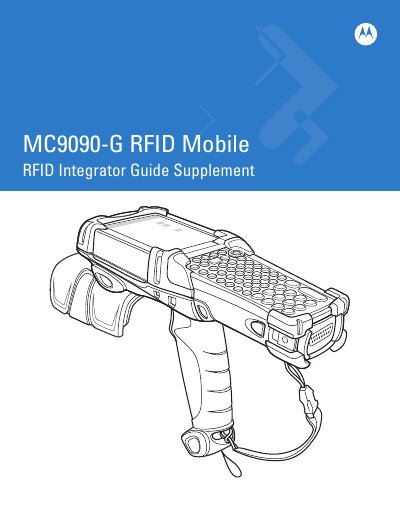
Motorola MC9090-G RFID Mobile Integrator Guide Supplement
The Integrator Guide Supplement provides detailed instructions for getting started with the MC9090-G RFID mobile computer, including unpacking, battery installation, power management, and boot procedures. It also covers screen calibration, wireless radios, and key backlight settings.
Additional sections describe supported accessories, such as keypads, cradles, and MMC/SD cards, as well as application deployment for Windows Mobile 5.0, security, packaging, and rapid deployment tools.
Motorola MC9090-G specifications
| Maximum RF frequency | 902.928 MHz |
|---|---|
| MC9090R8 frequency range | 869.4‑869.65 MHz |
| Power supply | 12 V DC, minimum 3.33 A |
| Bluetooth ID | B01825 |
All Motorola MC9090-G documents by type
Day-to-day operation, settings and troubleshooting. Start here if the product is already set up.
Questions answered in these manuals
How do you reset the Motorola MC9090-G mobile computer?
Use the reset procedure described in the guide under "Resetting the Mobile Computer".
From: Motorola MC9090-G RFID Mobile Integrator Guide Supplement
What is the approved frequency range for the MC9090 device?
The MC9090 operates at a maximum frequency of 902.928 MHz, and the MC9090R8 variant uses 869.4‑869.65 MHz.
What power supply should be used with the MC9090?
Use a Motorola‑approved power source rated at 12 V DC with a minimum current of 3.33 A.