
Key facts
- Brand
- Motorola
- Model
- SLVR L7
- Category
- Cell Phones
- Documents
- 2
- Languages
- EN · ZH
- Last added
- 2012-05-03
Start here
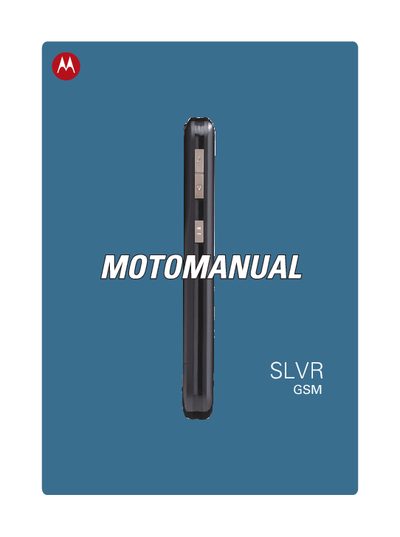
Motorola SLVR L7 GSM Phone User Manual
This manual introduces the Motorola SLVR L7 GSM phone, describing its basic anatomy, keys, and essential functions such as making calls, using the camera, and accessing menus. It also covers how to insert a memory card, manage Bluetooth connections, and use iTunes and other multimedia features.
The guide includes a detailed menu map, explanations of settings, security options, games, and service information. It provides troubleshooting tips, SAR data, and an index for quick reference to specific topics.
All Motorola SLVR L7 documents by type
Day-to-day operation, settings and troubleshooting. Start here if the product is already set up.
Questions answered in these manuals
How do I turn the phone on and off?
Use the power function listed under "turn iton & off" in the manual.
How can I insert a memory card?
Insert the memory card into the slot as described in the "Insert memory card" section.
Can I hold the antenna with my hand while using the phone?
No. The manual states that you should not hold the antenna during use because it can affect call quality and increase power consumption.
Which accessories are approved for use with the SLVR L7?
Only accessories approved by Motorola, such as the supplied battery, antenna line, and replaceable back cover, meet RF safety regulations.