
This document provides instructions on how to use the HP Photosmart D7400 series product.
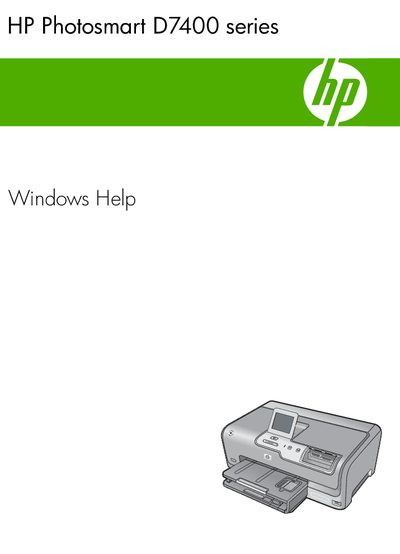
This manual covers all aspects of using the HP Photosmart D7400 series printer, from initial setup and configuration of wired or wireless network connections to loading paper, adjusting print settings, and using photo features. It also includes detailed instructions for maintaining the printer, such as replacing ink cartridges and cleaning the print head.
Additional sections provide troubleshooting guidance for common issues, warranty and support information, and technical specifications. The document serves as a comprehensive reference for both everyday users and technicians who need to service the printer.
Use the integrated wireless WLAN 802.11 network setup and create a network profile for your operating system.
Open the printer, locate the cartridge compartment, and replace the ink cartridges as described.
Select the clean print head option from the printer’s maintenance menu to clean the print head.