
Key facts
- Brand
- HP
- Model
- M1005 MFP
- Category
- All-in-one printer
- Documents
- 5
- Languages
- EN · ID · ZH
- Last added
- 2023-11-17
Start here
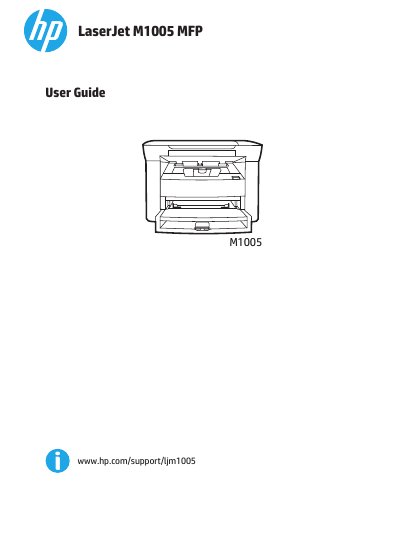
HP LaserJet M1005 MFP User Guide
This user guide covers the HP LaserJet M1005 MFP, including device basics, parts, the control panel, and software installation for Windows and Macintosh. It explains how to load media, control print jobs, and change the control-panel display language and default media settings.
The guide also describes printing, copying, and scanning features, media specifications and guidelines, supplies management, cleaning, print-cartridge replacement, and problem solving for jams, print quality, and scan issues.
HP M1005 MFP specifications
| Recommended paper weight | 80-g/m2 or 20-lb |
|---|---|
| Paper smoothness | 100-250 Sheffield |
| Paper moisture content | 4-6% |
| Fuser temperature | 200°C (392°F) for 0.1 second |
Source: HP LaserJet M1005 MFP User Guide
All HP M1005 MFP documents by type
Day-to-day operation, settings and troubleshooting. Start here if the product is already set up.
Questions answered in these manuals
What paper weight is recommended for best results?
Use conventional 80-g/m2 or 20-lb paper and make sure the paper is of good quality.
Can I use paper with cutouts or perforations?
No. Do not use paper with cutouts or perforations.
Where can I find more detailed user instructions?
See the electronic user guide on the CD-ROM that came with the printer.
When should I connect the USB cable?
Do not connect the USB cable until prompted by the software.
What are the minimum system requirements for the software?
The manual lists the minimum system requirements in the Software section.
How can I change the default media size and type?
Use the control panel to select “更改默认介质尺寸和类型”.