
Key facts
Start here
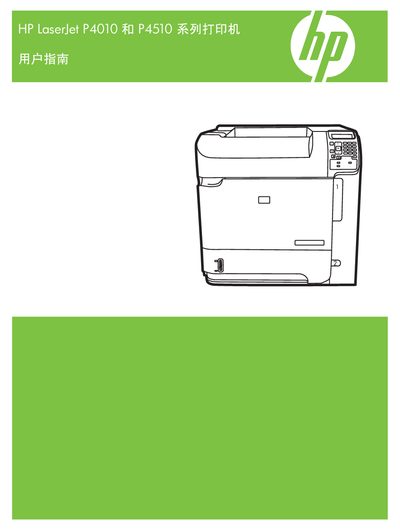
HP LaserJet P4010/P4510 Series Printer User Manual
This manual covers all essential information for installing, configuring, and maintaining the HP LaserJet P4010 and P4510 series printers. It includes sections on printer utilities, web administration, and easy printer care.
Key topics such as HP Web Jetadmin, HP Easy Printer Care, and the HP Printer Utility are detailed, along with guidance for Windows and Macintosh environments, ensuring users can fully utilize the printer features.
HP P4510 Series specifications
| Tray 1 Paper Type | Paper and cardstock: 60 g/m2 (16 lb) bond to 200 g/m2 (54 lb) bond |
|---|---|
| Tray 2 Paper Type | Paper and cardstock: 60 g/m2 (16 lb) bond to 135 g/m2 (36 lb) bond |
| Optional 1,500-sheet tray Paper Type | Paper: 60 g/m2 (16 lb) bond to 135 g/m2 (36 lb) bond |
| Standard top bin Paper Capacity | Up to 500 sheets of 75 g/m2 (20 lb) bond |
All HP P4510 Series documents by type
Disassembly, diagnostics and part numbers, for repair.
Day-to-day operation, settings and troubleshooting. Start here if the product is already set up.
Questions answered in these manuals
How do I replace the print cartridge?
Change the print cartridge by following the steps in the 'Manage supplies' section.
What is the maximum stack height for paper in Tray 1?
The maximum stack height for paper in Tray 1 is 10 mm (0.6 inch).
What is the copyright year of this manual?
The manual is copyrighted in 2008.
Does the manual include information about HP Web Jetadmin?
Yes, a section on HP Web Jetadmin is included in the manual.