
This document is a service manual for the HP LaserJet P4010 and P4510 series printers
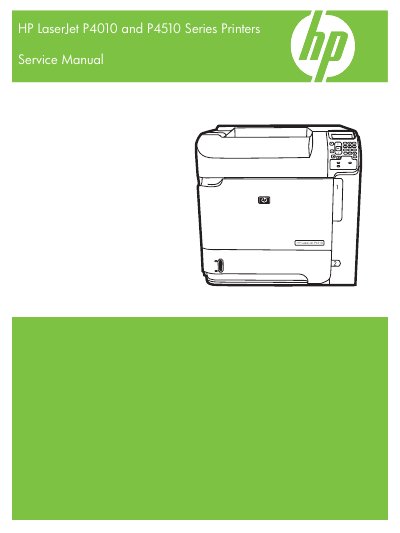
This service manual provides detailed instructions for technicians to maintain, repair, and replace components in HP LaserJet P4010 and P4510 series printers. It includes sections on product basics, control panel use, paper handling, software management, theory of operation, and step-by-step removal and replacement of parts. The manual also covers troubleshooting, diagnostics, and environmental specifications.
The document is structured for technical use, with diagrams, component descriptions, and procedures for installing memory, USB devices, and print server cards. It includes firmware upgrade instructions and maintenance guidelines for print cartridges, supplies, and cleaning procedures.
| Tray 1 Paper Type | Paper and cardstock: 60 g/m2 (16 lb) bond to 200 g/m2 (54 lb) bond |
|---|---|
| Tray 2 Paper Type | Paper and cardstock: 60 g/m2 (16 lb) bond to 135 g/m2 (36 lb) bond |
| Optional 1,500-sheet tray Paper Type | Paper: 60 g/m2 (16 lb) bond to 135 g/m2 (36 lb) bond |
| Standard top bin Paper Capacity | Up to 500 sheets of 75 g/m2 (20 lb) bond |
Change the print cartridge by following the steps in the 'Manage supplies' section.
The maximum stack height for paper in Tray 1 is 10 mm (0.6 inch).
The optional envelope feeder can hold up to 75 envelopes.
The optional stapler/stacker can staple up to 20 print jobs of up to 15 pages each.