
Key facts
- Brand
- HP
- Model
- t510
- Category
- Other Computer Accessories
- Industry
- Computers
- Documents
- 6
- Languages
- EN · ZH
- Last added
- 2026-11-06
Start here
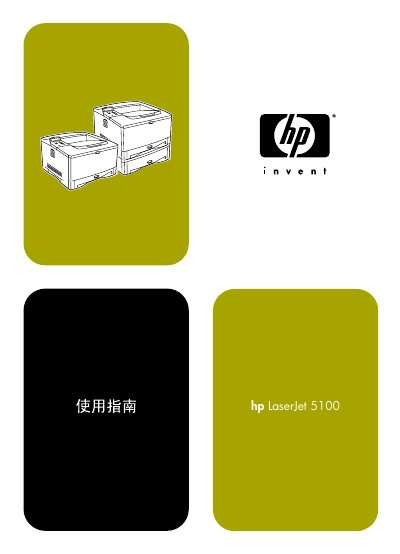
hp LaserJet 5100 5100tn 5100dtn series Printer user manual
This manual covers the installation, configuration, and everyday use of the HP LaserJet 5100 series printers. It includes safety information, hardware setup steps, and guidance for connecting the printer to a computer.
The document also details supported operating systems (Windows, Macintosh, Linux), printing languages (PostScript and PCL), and provides troubleshooting and maintenance procedures to keep the printer running reliably.
HP t510 specifications
| Dimensions (Width x Height x Depth) | 58.42 mm x 209.55 mm x 215.90 mm |
|---|---|
| Approximate Weight | 1.36 kg |
| Rated Line Frequency | 50–60 Hz |
| Power Output (maximum) | 65 W |
All HP t510 documents by type
Day-to-day operation, settings and troubleshooting. Start here if the product is already set up.
- HP t510 Thin Client Hardware Reference Guide 40 p
- hp LaserJet 5100 5100tn 5100dtn series Printer user manual 176 p
- HP LaserJet 5100Le Printer User Manual 134 p
- HP LaserJet 5100 User Manual 176 p
- HP Officejet 5100 Series All-in-One Reference Manual 56 p
- HP Officejet 5100 Series All-in-One User Manual 56 p
Questions answered in these manuals
How should the thin client be grounded to prevent electrostatic damage?
Use a wrist strap connected by a ground cord to a grounded Thin Client chassis.
What precautions should be taken when shipping the thin client?
Turn off the device, disconnect power and system components, and pack them in original boxes with sufficient packing material.
Where can I find the copyright information for this manual?
The copyright notice appears on page 4 and states © Copyright Hewlett‑Packard Company 2002.
Where is the copyright information located?
It appears on page 4 with © Hewlett‑Packard Company.
How do I start a scan?
Press the Scan button on the front panel or select Scan in the HP Director software.
What are the system requirements for Windows?
A PC running Windows 98, 98SE, 2000, ME, or XP with at least an Intel Pentium II or compatible processor.