
Key facts
- Brand
- HP
- Model
- Deskjet 3840 series
- Category
- Printer
- Industry
- Electronics
- Documents
- 2
- Languages
- FR · ZH-HK
- Last added
- 2026-11-12
Start here
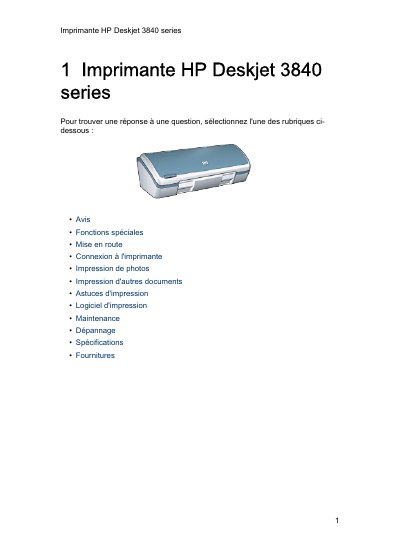
HP Deskjet 3840 Series Printer User Manual
The HP Deskjet 3840 series is a compact inkjet printer offering photo-quality printing, six-ink printing with an optional photo cartridge, borderless printing for 10 x 15 cm photos, a cancel button, and an on-screen ink level indicator.
This French user manual describes printer buttons and lights, paper trays, ink cartridges, ink-saving mode, USB connection, photo and document printing, software, maintenance, troubleshooting, specifications, supplies, and recycling. This manual is written in French.
HP Deskjet 3840 series specifications
| Interface | USB |
|---|---|
| Borderless photo size | 10 x 15 cm |
| Ink colors | 6 |
| Design | Compact |
All HP Deskjet 3840 series documents by type
Day-to-day operation, settings and troubleshooting. Start here if the product is already set up.
Questions answered in these manuals
How do I cancel a print job?
Press the cancel button to stop the current print job.
How do I recycle empty HP ink cartridges?
Return them to HP using the HP Planet Partners program at www.hp.com/recycle.
What special printing capability allows for printing 4x6 inch photos without cost?
The printer includes a feature called 'no-cost printing' that allows you to print 4x6 inch photos onto paper.
How do you turn the printer on and off safely?
You must always use the power button to turn the printer on and off to avoid damage.