
Key facts
Start here
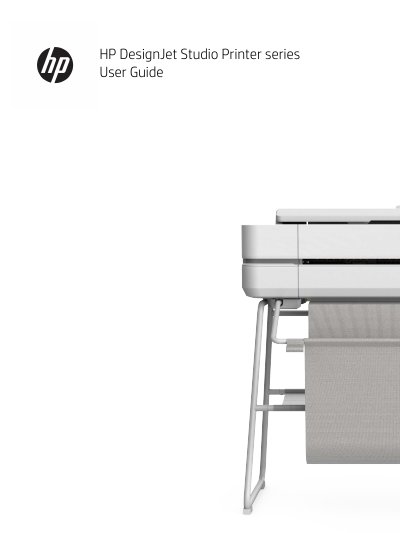
HP DesignJet Studio 24/36-in Printer Series User Guide
This manual provides instructions for the HP DesignJet Studio Printer series, which are four-color inkjet printers designed for CAD and construction drawings. The guide covers two specific models: the 24-inch (DJ Studio - 24) and the 36-inch (DJ Studio - 36) versions. It details how to connect the printer to a network, set up drivers, and use mobile printing features like Wi-Fi Direct and HP Smart App.
Read onlineHP 36-in specifications
| Print resolution | Upto2400x1200optimiseddpi |
|---|---|
| Memory | 1GB |
| Weight (Printer) | 39.2kg |
| Operating temperature | 5to40ºC |
All HP 36-in documents by type
Day-to-day operation, settings and troubleshooting. Start here if the product is already set up.
Questions answered in these manuals
What is the maximum print resolution of the HP DesignJet T520 36-in Printer?
The printer achieves a resolution of up to 2400x1200 optimized dpi.
How long does it take to produce an A1 drawing?
It takes 35 seconds per page to print a linedrawing on A1.
Which printer models are covered in this guide?
The guide covers the HP DesignJet Studio 24-inch (DJ Studio - 24) and 36-inch (DJ Studio - 36) printers.
From: HP DesignJet Studio 24/36-in Printer Series User Guide
Can I control the printer from a mobile device?
Yes, the printer can be controlled from a tablet or mobile device using the HP Smart App.
From: HP DesignJet Studio 24/36-in Printer Series User Guide