
This is the user guide for HP Officejet Pro 8500
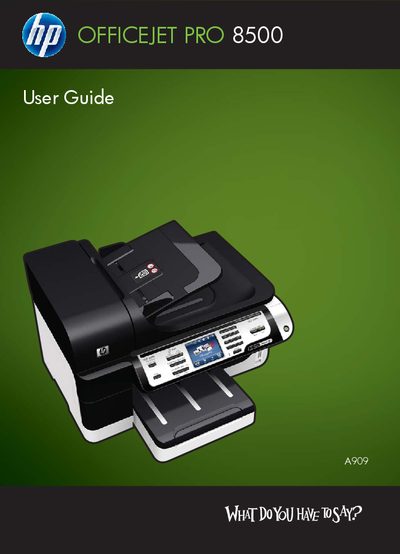
This guide covers the HP Officejet Pro 8500 All‑in‑One series, describing safety precautions, hardware layout, and required accessories. It walks you through getting started, installing optional components such as the duplexer and tray 2, and configuring the device for printing, scanning, faxing, and copying.
Later sections explain how to use the control‑panel menus, manage memory devices, set up fax and network features, adjust print and copy settings, and perform routine maintenance and troubleshooting.
The duplexer is installed in the accessories section of the guide.
Use the fax functions described in the Fax chapter of the guide.
Read all instructions, use a grounded outlet, keep the device away from water, and follow the listed safety steps.