
HP Officejet Pro 8500 (A909) All-in-One Printer User Manual

This Romanian user manual covers setup, printing, scanning, copying, faxing, and network setup for the HP Officejet Pro 8500 (A909) printer.
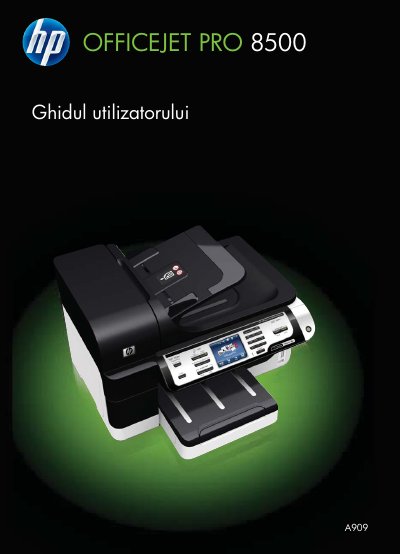

HP Officejet Pro 8500 (A909) All-in-One Printer User Manual - cover page
Brand
HP
Category
Printer
Document type
User Manual
Language
RO
Pages
336
File format
PDF
File size
12.8 MB
Published
24 November, 2026
Updated
24 November, 2026
MD5 checksum
03DD426AA3AFCB754553C54EA3000B72

About this manual

This is the Romanian user manual for the HP Officejet Pro 8500 (A909) All-in-One Series. It covers getting started, accessory installation, and basic device use.

The manual also describes printing, scanning, copying, faxing, memory card use, and device administration. Safety instructions and Hewlett-Packard copyright information are included.

What's inside

  • Iniţiere
  • Instalare accesorii
  • Utilizarea dispozitivului
  • Imprimarea
  • Scanare
  • HP Digital Solutions
  • Lucrul cu dispozitivele de memorie
  • Fax
  • Copiere
  • Configurare şi administrare

Specifications

Memory card supportSecure Digital

Frequently asked questions

What safety measures should be followed when using the product?

Follow minimum safety measures to reduce the risk of burns or electric shock.

Can the product be installed or used near water?

No, do not install or use the product near water or when wet.

Which memory cards are accepted by the product?

Secure Digital memory cards are accepted.

Download PDF (12.8 MB)

More HP Manuals


View all HP manuals →