
Key facts
Start here
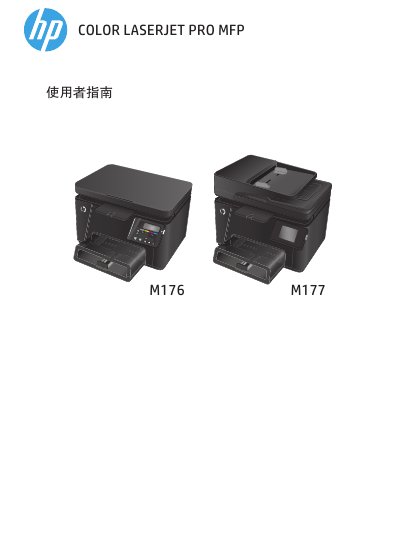
HP Color LaserJet Pro MFP M176 M177 User Guide
This HP Color LaserJet Pro MFP M176/M177 user guide describes the product, its control panels, paper tray, printing, copying, scanning, faxing, and product management. It also covers troubleshooting, replacing toner cartridges and the imaging drum, and ordering parts, supplies, and accessories.
The guide identifies the M176n model with an LCD control panel and the M177fw model with a touchscreen control panel. It lists customer self-repair part numbers for HP 130A black, cyan, magenta, and yellow toner cartridges, the imaging drum, pickup roller kit, separation pad kit, and related trays and covers. This manual is written in Chinese.
HP M176 M177 specifications
| Height (M176n) | 280 mm |
|---|---|
| Height (M177fw) | 335 mm |
| Operating Temperature | 17° to 25°C |
Source: HP Color LaserJet Pro MFP M176 M177 Warranty and Legal Guide
All HP M176 M177 documents by type
Day-to-day operation, settings and troubleshooting. Start here if the product is already set up.
Questions answered in these manuals
What is the limited warranty period for HP Color LaserJet Pro MFP M176 and M177?
The limited warranty period is one year from the date of purchase.
From: HP Color LaserJet Pro MFP M176 M177 Warranty and Legal Guide
Does the warranty cover software defects?
Yes, HP guarantees that software will not fail to execute programming instructions due to material and workmanship defects during the warranty period.
From: HP Color LaserJet Pro MFP M176 M177 Warranty and Legal Guide
Which models does this user guide cover?
This guide covers the HP Color LaserJet Pro MFP M176 and M177.
Which control panel does the M176n model use?
The M176n model uses an LCD control panel.