
This guide covers initial setup, installation, and configuration for HP LaserJet Pro M402 and M403 printers, including wireless and network connections.
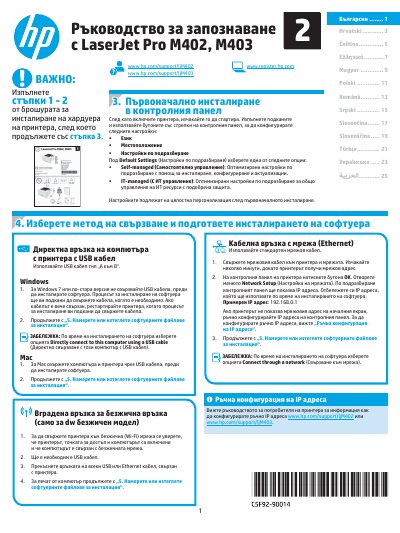
This document provides instructions for the initial setup and installation of HP LaserJet Pro M402 and M403 printers. It details how to configure default settings such as language and location on the printer control panel. The guide explains how to choose between self-managed and IT-managed default settings to optimize the printer for your specific environment.
You can choose between Self-managed for optimized settings with installation help, or IT-managed for optimized settings with improved security for fleet management.
To manually configure the IP address, open the Network Setup menu on the printer control panel and follow the instructions provided in the user guide.