
This document is a user guide for HP LaserJet Pro M402 and M403 series printers. It provides information about the printer's appearance, technical specifications, and supported operating systems.
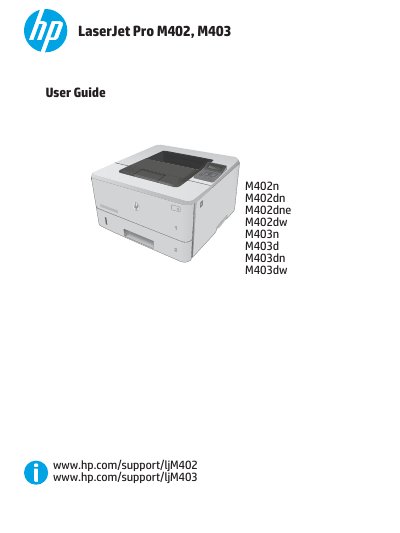
This document serves as a comprehensive user guide for the HP LaserJet Pro M402 and M403 series of laser printers. It provides detailed instructions on printer overview, hardware setup, software installation, and managing various printing tasks across Windows and OS X operating systems.
The manual also addresses maintenance procedures such as replacing toner cartridges, clearing paper jams in different trays and the fuser, and improving print quality. Additionally, it covers advanced configuration options via HP Embedded Web Server (EWS) and HP Utility, including network settings, security features like password assignment, energy conservation modes, and firmware updates.
| Print speed (A4) | 38 ppm |
|---|---|
| Print speed (Letter) | 40 ppm |
| Tray 1 capacity | 100 sheets |
| Tray 2 capacity | 250 sheets |
| Tray 3 capacity | 550 sheets |
The printer supports Windows PCL 6 and OS X print drivers.
No, automatic duplex printing is not available for the M402 models.