
This user guide provides information on how to use the HP Photosmart D5300 series printer, including connecting the printer, loading paper, printing from a computer, using photo features, maintaining the printer, and troubleshooting printing issues.
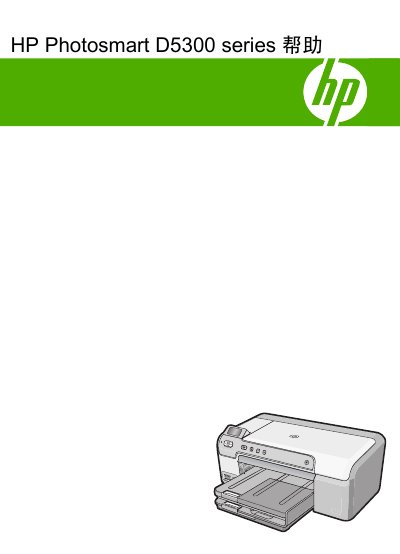
This guide covers the HP Photosmart D5300 Series all‑in‑one printer, describing its control panel functions, display icons, software usage, and supported computer connections. It explains how to load paper, CDs/DVDs, and how to print photos directly from the control panel.
The manual also includes detailed maintenance steps, power‑saving tips, troubleshooting for common issues such as paper jams, and technical specifications such as supported media sizes and print resolutions. Warranty, support information, and environmental compliance details are provided at the end. This manual is written in Chinese.
| Plain paper capacity | 125 sheets |
|---|---|
| Black‑and‑white print resolution | 1200 × 1200 dpi |
| Color print resolution (optimized) | 4800 × 1200 dpi |
| Supported photo paper size | 5 × 7 in (13 × 18 cm) |
Select the desired paper type and place the sheets in the paper tray as described in the paper loading section.
Turn off the HP Photosmart using the power button; this reduces energy use while the device is idle.
Yes, use the "Print Photo" button on the control panel to print images stored on a memory card.