
This document provides information on the features and characteristics of the HP DeskJet 2700 All-in-One series printer. It includes basic safety information and usage instructions.
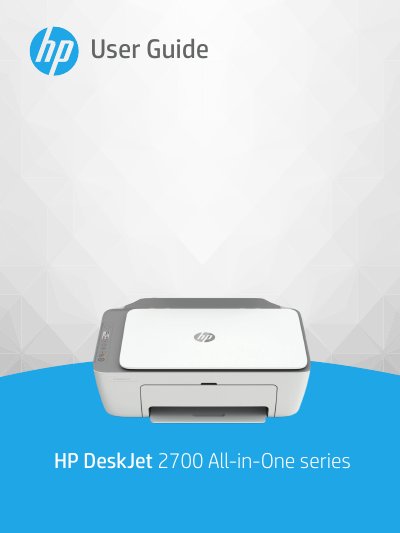
This document serves as the official user guide for the HP DeskJet 2700 All-in-One series. It provides comprehensive instructions on printer parts, control panel features, and connecting the device to a computer or wireless network. The guide details how to load media, manage ink cartridges, and use the HP Smart app for printing, copying, and scanning tasks.
| Input tray capacity (Plain paper) | Up to 60 sheets |
|---|---|
| Output tray capacity (Plain paper) | Up to 25 sheets |
| Paper weights (Plain Paper) | 60 to 90 g/m² |
| Recommended operating temperature | 15°C to 30°C |
| Recommended operating humidity | 20-80% RH |
The recommended operating temperature range is 15°C to 30°C (59°F to 86°F).
The input tray can hold up to 60 sheets of plain paper.
Yes, but the output may be slightly distorted in the presence of high electromagnetic fields.