
This document is the user manual for the DSL-2750U router. The router complies with the limits of a Class B digital device, as specified in Part 15 of the FCC Rules. These limits are designed to provide reasonable protection against harmful interference in a residential installation. The equipment generates, uses, and can radiate radio frequency energy. If not installed and used according to the instructions, it may cause harmful interference to radio communications. If the equipment does cause interference to radio or television reception, the user is encouraged to try correcting the interference by reorienting or relocating the receiving antenna, increasing the separation between the equipment and receiver, connecting the equipment to a different circuit, or consulting a dealer or experienced radio/TV technician. The device complies with Part 15 of the FCC Rules and is subject to two conditions: (1) it may not cause harmful interference, and (2) it must accept any interference received, including interference that may cause undesired operation.
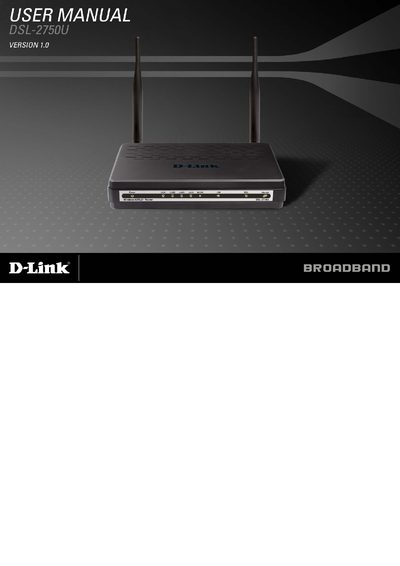
This manual covers safety precautions, hardware installation, and configuration steps for the D-Link DSL-2750U ADSL2/2+ router. It explains LED indicators, front and rear panel connections, and system requirements for Windows PCs.
The guide also details wireless LAN features, DSL standards support, and provides FAQs for common issues such as indicator lights, LAN connectivity, and restoring factory defaults.
| Power adapter output | 12 VDC, 1A |
|---|---|
| Wireless standards | IEEE 802.11b/g/n, 2.4 GHz |
| Maximum wireless data rate | up to 130 Mbps |
| LAN ports | 4 Ethernet LAN ports (LAN1‑4) |
| USB host port | USB host port for storage devices |
| WPS button | WPS button for wireless setup |
Check the connection between the power adapter and the power socket, and make sure the power switch is turned on.
Keep the device powered on, press the RESET button for 1 second, then release; the device will reboot and restore factory defaults.