
The document is the user manual for D-Link DSL-2640B, describing the features and characteristics of the product.
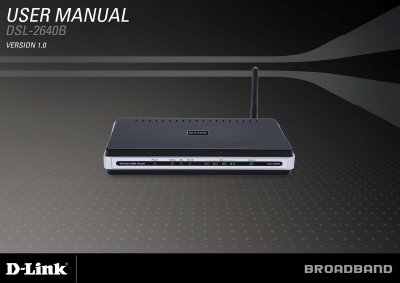
The DSL-2640B is a wireless ADSL2/2+ router designed for home and small‑office use, offering up to 24 Mbps downstream, Wi‑Fi 802.11b/g, firewall, QoS and four Ethernet ports. The manual guides users through product overview, hardware layout, and required system specifications.
It covers installation steps, web‑based configuration, wireless security settings, advanced features such as port forwarding and QoS, troubleshooting, networking basics, and a full technical specification sheet. Contact information for technical support is also provided.
| ADSL Standards | ANSI T1.413 Issue 2 |
|---|---|
| Maximum Wireless Speed | up to 54 Mbps (802.11g) |
| LAN Interface | RJ-45 port for 10/100BASE‑T Ethernet |
| Wireless LAN Standards | 802.11b/g |
It supports ADSL2/2+ standards with up to 24 Mbps downstream and 1 Mbps upstream.
Use Windows network settings: open Control Panel > Network Connections, select the LAN connection, go to TCP/IP properties, and choose “Use the following IP address” with the appropriate values.
The router supports WPA, WPA2, mixed WPA/WPA2, and MAC address‑based access control.