
This document mainly introduces the features, installation and use methods of D-Link Web Smart Switch.
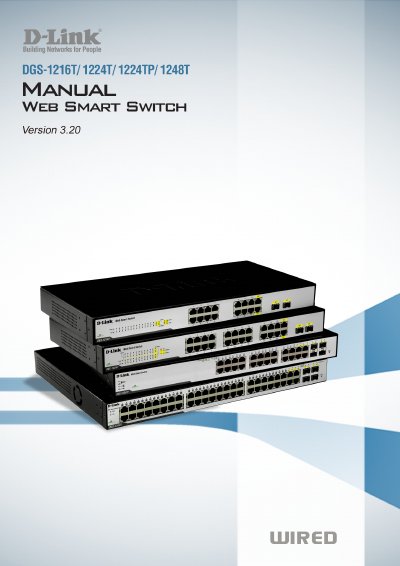
This manual provides step‑by‑step hardware installation instructions, initial setup procedures, and detailed guidance on using the Web‑based Management Utility and SmartConsole Utility for D‑Link Web Smart Switches. It covers unpacking, rack or desktop mounting, power connection, and basic configuration such as IP address assignment and login.
The document also describes advanced configuration options, including VLAN, QoS, PoE settings, SNMP, security features, monitoring tools, and technical specifications. Appendices give background on Ethernet technologies and a full list of hardware specifications for each switch model.
| Switching Capacity | DGS‑1216T: 32 Gbps; DGS‑1224T/1224TP: 48 Gbps; DGS‑1248T: 96 Gbps |
|---|---|
| Max Forwarding Rate | DGS‑1216T: 23.8 Mpps; DGS‑1224T/1224TP: 35.7 Mpps; DGS‑1248T: 71.4 Mpps |
| Packet Buffer Memory | 512 KB (1216T/1224T/1224TP) or 1 MB (1248T) |
| Flash Memory | 2 MB |
| Power Input | 100‑240 VAC, 50/60 Hz |
The factory‑default IP address is 192.168.0.1 with a subnet mask of 255.255.255.0 and a default gateway of 192.168.0.254.
The DGS‑1224TP supports IEEE 802.3af PoE.