
Key facts
Start here
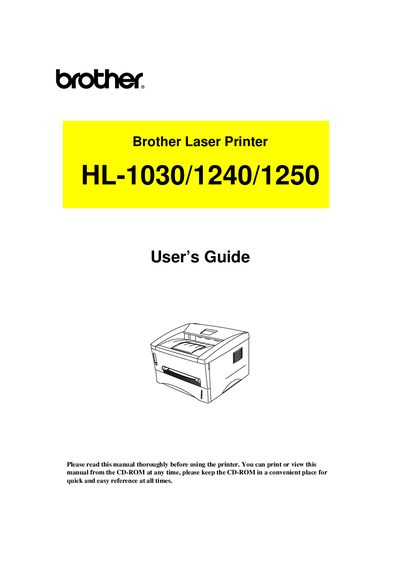
Brother HL-1030/1240/1250 Laser Printer User Manual
This guide covers everything you need to get started with the Brother HL‑1030, HL‑1240 and HL‑1250 laser printers, including unpacking, installing optional accessories, and connecting to serial or USB interfaces. Safety warnings, power‑up procedures and paper handling instructions are detailed to help you avoid common problems.
Later chapters describe routine maintenance such as replacing the toner cartridge and drum unit, cleaning the printer, and troubleshooting error messages, paper jams and print quality issues. An appendix lists the technical specifications for each model, including print method, laser wavelength, output power and resolution.
Brother HL-1240 specifications
| Print Method | Electrophotography by semiconductor laser beam scanning |
|---|---|
| Laser Wavelength | 780 nm |
| Laser Output Power | 5 mW max |
| Resolution (HL‑1030) | 600 dpi |
All Brother HL-1240 documents by type
Day-to-day operation, settings and troubleshooting. Start here if the product is already set up.
Questions answered in these manuals
What is the maximum recommended length for a parallel printer cable?
We recommend using a parallel cable that does not exceed 2 meters (6.6 feet) in length.
From: Brother HL-1030/1240/1250/1270N Laser Printer User Guide
How do you distribute the toner inside the drum cartridge?
Shake it gently from left to right about six times to distribute the toner uniformly.
From: Brother HL-1030/1240/1250/1270N Laser Printer User Guide
How do I replace a damaged drum unit?
Install a new drum unit as described in Chapter 3, "How to replace the Drum unit".
How can I clear a paper jam?
Refer to the "PAPER JAMS and how to clear them" section and follow the instructions to remove the jammed paper.