
This document is the User's Guide for the Brother Laser Printer HL-1030/1240/1250. It provides information about the features and functions of the printer, as well as safety precautions for using the printer.
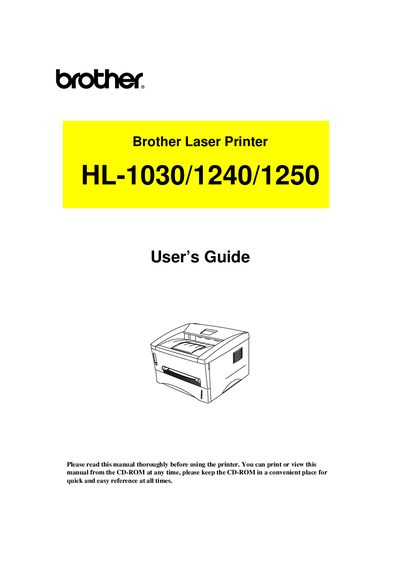
This guide covers everything you need to get started with the Brother HL‑1030, HL‑1240 and HL‑1250 laser printers, including unpacking, installing optional accessories, and connecting to serial or USB interfaces. Safety warnings, power‑up procedures and paper handling instructions are detailed to help you avoid common problems.
Later chapters describe routine maintenance such as replacing the toner cartridge and drum unit, cleaning the printer, and troubleshooting error messages, paper jams and print quality issues. An appendix lists the technical specifications for each model, including print method, laser wavelength, output power and resolution.
| Print Method | Electrophotography by semiconductor laser beam scanning |
|---|---|
| Laser Wavelength | 780 nm |
| Laser Output Power | 5 mW max |
| Resolution (HL‑1030) | 600 dpi |
Install a new drum unit as described in Chapter 3, "How to replace the Drum unit".
Refer to the "PAPER JAMS and how to clear them" section and follow the instructions to remove the jammed paper.