
This is a quick setup guide for the Canon FAX-1960C fax machine.
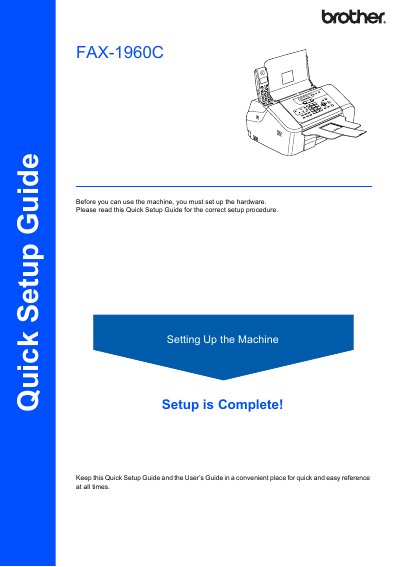
This document is a Quick Setup Guide for the Brother FAX-1960C fax machine. It outlines the necessary steps to prepare the device for use, such as removing protective parts, loading paper, connecting phone lines, and installing ink cartridges.
The guide details specific procedures like setting up the paper tray with guides, connecting the telephone line cord to the LINE jack, and powering on the unit before inserting the ink cartridges. It also includes safety warnings regarding ink handling and notes on saving packing materials for potential shipping.
| Maximum Paper Capacity | 100 sheets |
|---|---|
| Paper Weight Range | 20 lb (80 g/m²) |
Connect the telephone line cord to the jack on the machine marked LINE and set the receive mode to 'Manual'.
Keep it in a convenient place for quick and easy reference at all times.