
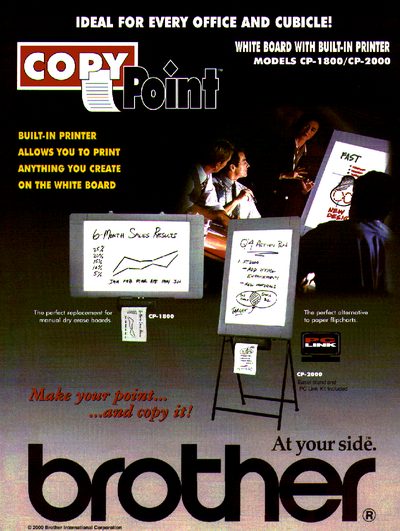
The document provides an overview of the Brother CopyPoint White Board models CP-1800 and CP-2000. These devices feature a two-panel high-quality dry erase surface with a built-in thermal printer that allows users to instantly print notes from the board onto 8.5" x 11" paper, serving as an alternative to traditional whiteboards or flipcharts.
| Total Panel Size | 35.4" x 23.6" |
|---|---|
| Number of Panels | 2 |
| Printing Method | Thermal |
| Copy Size | Letterhead, 8.5" x 11" |
| Copy Speed | Up to 18 seconds. |
| Power (Operating) | 25W |
No, the device does not require a PC; it functions independently with its built-in printer.
The printer supports letterhead or 8.5" x 11" paper sizes.
Yes, a fold-away easel stand is included for the CP-2000 model.