
This is a user manual for CS-521/ CS-522 Two Port Petite KVM Switch. It provides installation, operation methods and precautions.
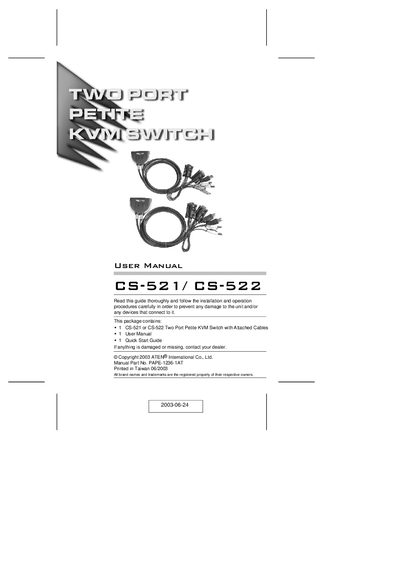
The CS-521/CS-522 is a compact two‑port KVM switch that lets a single console control two computers. It includes built‑in custom KVM cables (USB for the CS-522 model, USB + PS/2 for the CS-521) and supports speaker output, LED status indicators, and hot‑key switching.
Installation is straightforward: connect the console’s keyboard, monitor, mouse and optional speakers, attach the integrated cables to each computer, power up, and use hot‑key combinations to toggle control. The manual also covers hardware requirements, front‑panel layout, and troubleshooting tips such as keyboard compatibility and notebook limitations.
| Supported video resolution | up to 2048 × 1536 |
|---|---|
| Number of computers controlled | 2 |
| Cable connections (CS‑522) | USB for keyboard and mouse |
| Cable connections (CS‑521) | USB for one computer, PS/2 for the other |
| Speaker support | Enabled |
| Hot‑plug capability | Yes |
Press the hot‑key combinations on the keyboard to change the KVM focus between computers.
PS/2 keyboards work; XT and AT keyboards are not supported.
The unit comes with two integrated custom KVM cables: one USB (or USB + PS/2) and one PS/2 cable, pre‑molded for easy connection.