
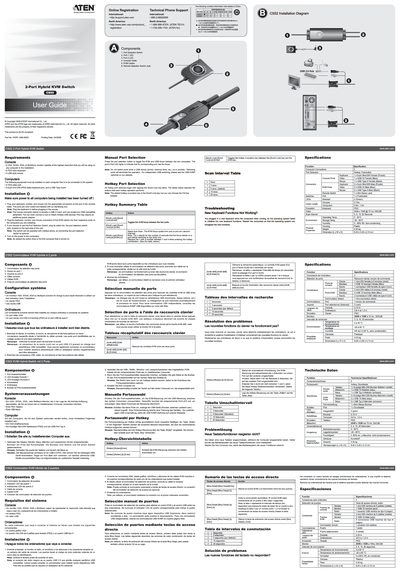
The ATEN CS52 is a 2‑port hybrid KVM switch that lets you control two computers with a single keyboard, monitor and mouse. The manual explains how to connect the console cable, KVM cables, and optional port‑selection switch, and describes the required computer video, keyboard and USB ports.
Key features include hotkey port switching (default Scroll Lock double‑press), LED indicators for active ports, and support for USB peripherals. The document also provides troubleshooting tips, environmental specifications, and safety information.
| Number of computer connections | 2 |
|---|---|
| Keyboard connector | 1 × 6‑pin mini‑DIN (PS/2) |
| Monitor connector | 1 × HDB‑15 female (Blue) |
| Console cable length | 0.15 m |
| Operating temperature | 0 – 50 °C |
| Humidity range | 0 – 80 % RH, non‑condensing |
| Dimensions (L × W × H) | 845 × 340 × 213 mm |
| Weight | 0.33 kg |
The default hotkey is the Scroll Lock key (double‑press).