
This manual introduces the features of ATEN CS428 KVM switch
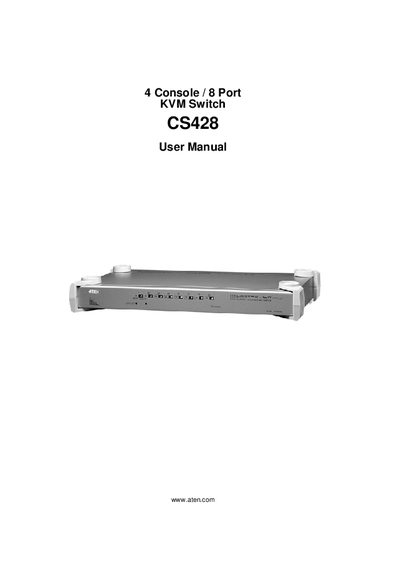
This manual covers everything needed to set up and use the ATEN CS428 KVM Switch, including package contents, safety instructions, hardware setup (single‑station, rack‑mount, and cascaded installations), basic operation, and detailed OSD (On‑Screen Display) navigation. It also contains a specifications appendix, troubleshooting guide, and warranty information.
Support resources such as online registration, telephone assistance, and technical support contacts are listed, and the manual emphasizes proper voltage settings, FCC compliance, and RoHS compliance to ensure safe and reliable operation.
| Console Ports | 4 |
|---|---|
| Port Count | 8 |
The CS428 supports four consoles.
Check the Online LED for the selected port, ensure the computer is powered on, verify all cables are properly connected, and if needed reset the keyboard/mouse by using the K/M Reset Switch on the front panel.