
This document is the CS428 User Manual, which describes the features and functions of the CS428 KVM switch, including hardware requirements, control terminal, host, cables, etc.
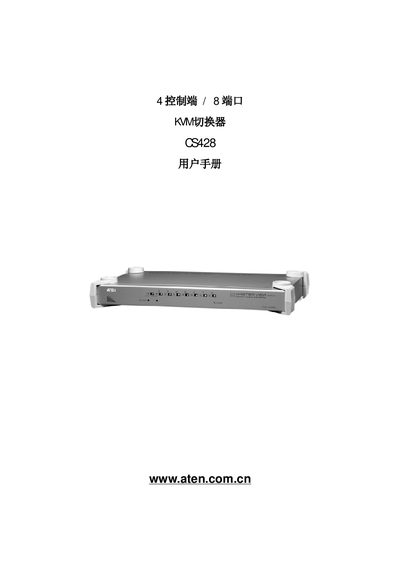
The CS428 is a 4‑port KVM switch that lets up to four users control up to eight computers directly, or up to 64 computers when cascaded with additional units. The manual covers hardware installation, basic operation, OSD navigation, and system specifications.
It also includes safety notices, FCC and RoHS compliance information, and detailed troubleshooting steps with LED error codes. Users can register the product online and obtain support through ATEN’s regional websites. This manual is written in Chinese.
| Direct computer connections | 8 |
|---|---|
| Maximum computers via cascading | 64 |
| Keyboard connector | 2×6‑pin mini‑DIN (purple) |
| Mouse connector | 2×6‑pin mini‑DIN (green) |
| Power consumption | DC 9 V, 7.2 W max |
| Operating temperature | 5‑40 °C |
| Dimensions (L×W×H) | 43.35×25.42×4.4 cm (19" 1U) |
| Weight | 4.2 kg |
It can control up to 8 computers directly and up to 64 computers when cascaded with additional units.
It uses a 9 V DC power supply and consumes up to 7.2 W.
Press the K/M reset button on the front panel using a pin or similar tool.