
This document is a wireless notebook mouse user manual, which introduces the product's functions and features and usage methods.
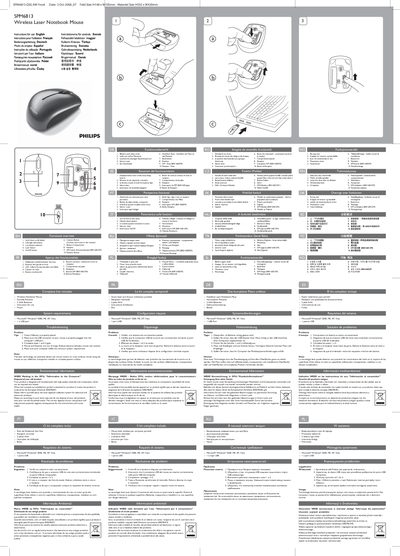
This guide explains the functional features of the Philips SPM6813 wireless mouse, including the up‑and‑down scroll wheel, left/right click buttons, DPI switch, low‑battery indicator, and on/off switch. It also lists the complete kit contents such as the mouse, a storable USB receiver, two AAA batteries, and a carrying pouch.
The manual covers system requirements (Windows 2000/ME/XP/Vista with a USB port), step‑by‑step connection instructions, troubleshooting tips for out‑of‑range issues, battery replacement, and environmental disposal guidelines, plus FCC compliance notes.
| Scroll wheel | Up & down |
|---|---|
| Buttons | Left and right click |
| Battery type | 2 AAA |
| Sensor | Laser |
| DPI range | 800‑1600 DPI |
| On/Off switch | Present |
| Low battery indicator | Present |
| Connectivity | USB receiver |
| Dimensions (folded) | H148 x W105 mm |
| Overall size | H592 x W420 mm |
Press the Connect button on the mouse to pair it with the USB receiver.
Open the battery compartment and insert two AAA batteries.
Windows 2000, ME, XP or Vista with at least one USB port.