
Key facts
- Brand
- Philips
- Model
- SA075116
- Documents
- 2
- Languages
- ZH · EN
- Last added
- 2000-01-01
Start here
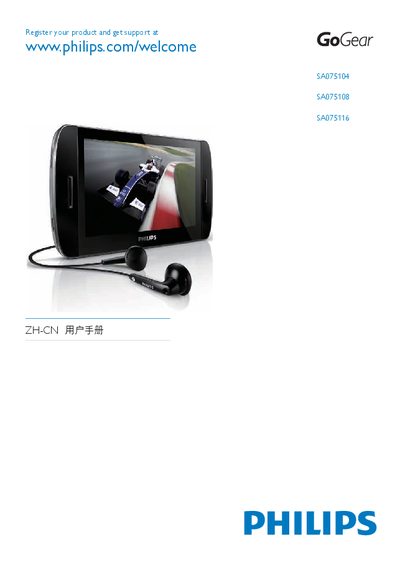
PHILIPS SA075104 SA075108 SA075116 Manual(1)(1)
The guide begins with product registration information, directing users to www.philips.com/welcome to register their GoGear device and obtain support. It then walks through the initial setup steps, including inserting a Micro SD card (up to 16 GB) and connecting the player to a computer via USB.
Installation of Philips Device Manager is covered in detail, with instructions for Windows XP, Vista, and later versions. The guide also explains how to use the Device Manager to transfer media, update firmware, and manage device settings, as well as basic troubleshooting tips for common connection issues.
Philips SA075116 specifications
| Battery capacity | 1350 mAh lithium‑polymer |
|---|---|
| Music playback time | 20 hours |
| Video playback time | 3 hours |
| Speaker output power | 2 × 350 mW RMS |
| Frequency response | 45 Hz – 16 kHz |
| LCD display | 800 × 480 pixels, 16 million colors |
| Internal storage | 4 GB (SA075104), 8 GB (SA075108), 16 GB (SA075116) |
All Philips SA075116 documents by type
Day-to-day operation, settings and troubleshooting. Start here if the product is already set up.
The shortest path to a working setup, usually only a few pages.
Questions answered in these manuals
How long does the battery last when playing music?
The built‑in battery provides up to 20 hours of music playback.
What file formats can the SA075 play for audio?
It supports MP3, FLAC, WMA, Ogg and Ape audio files.