
This document provides a user manual for the Philips SA075 series products, including instructions for connecting and charging, using music, videos, pictures, and the radio.
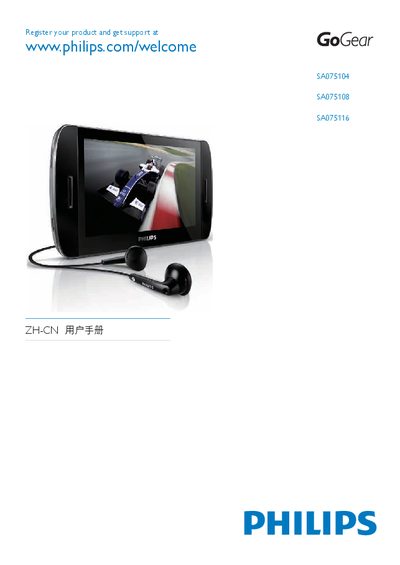
The Philips SA075 user manual provides step‑by‑step instructions for getting started with the GoGear audio player, including how to connect the device to a computer, install the Philips Device Manager, and use the touchscreen controls. It also covers music, video, picture, radio, and recording functions, as well as battery‑saving features and safety information.
Technical data such as battery capacity, playback times, supported media formats, and storage options for the SA075104, SA075108 and SA075116 variants are listed, together with guidance on firmware updates, troubleshooting, and product recycling. This manual is written in Chinese.
| Battery capacity | 1350 mAh lithium‑polymer |
|---|---|
| Music playback time | 20 hours |
| Video playback time | 3 hours |
| Speaker output power | 2 × 350 mW RMS |
| Frequency response | 45 Hz – 16 kHz |
| LCD display | 800 × 480 pixels, 16 million colors |
| Internal storage | 4 GB (SA075104), 8 GB (SA075108), 16 GB (SA075116) |
The built‑in battery provides up to 20 hours of music playback.
It supports MP3, FLAC, WMA, Ogg and Ape audio files.
Use the Philips Device Manager software on a Windows PC to verify and install firmware updates as described in the manual’s “Updating SA075” section.