
Key facts
- Brand
- Philips
- Model
- SA075108
- Documents
- 2
- Languages
- ZH
- Last added
- 2000-01-01
Start here
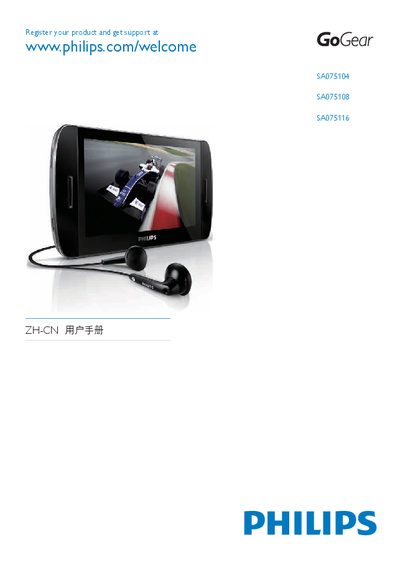
PHILIPS SA075104 SA075108 SA075116 Manual(1)
The Philips SA075 user manual provides step‑by‑step instructions for getting started with the GoGear audio player, including how to connect the device to a computer, install the Philips Device Manager, and use the touchscreen controls. It also covers music, video, picture, radio, and recording functions, as well as battery‑saving features and safety information.
Technical data such as battery capacity, playback times, supported media formats, and storage options for the SA075104, SA075108 and SA075116 variants are listed, together with guidance on firmware updates, troubleshooting, and product recycling. This manual is written in Chinese.
Philips SA075108 specifications
| Battery capacity | 1350 mAh lithium‑polymer |
|---|---|
| Music playback time | 20 hours |
| Video playback time | 3 hours |
| Speaker output power | 2 × 350 mW RMS |
| Frequency response | 45 Hz – 16 kHz |
| LCD display | 800 × 480 pixels, 16 million colors |
| Internal storage | 4 GB (SA075104), 8 GB (SA075108), 16 GB (SA075116) |
All Philips SA075108 documents by type
Day-to-day operation, settings and troubleshooting. Start here if the product is already set up.
Questions answered in these manuals
How long does the battery last when playing music?
The built‑in battery provides up to 20 hours of music playback.
What file formats can the SA075 play for audio?
It supports MP3, FLAC, WMA, Ogg and Ape audio files.
How do I charge the SA075?
Connect the SA075 to a computer's USB port using the provided USB cable.
How long should I charge the device for the first time?
Allow the SA075 to charge for 3 hours during its first use.